 KIKOMONO
The short answer
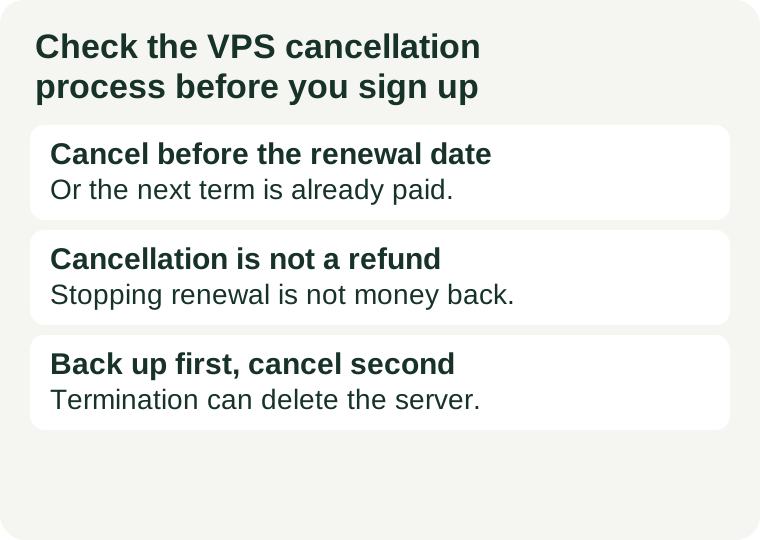
Cancelling a VPS stops the next renewal. It does not refund the current term, it does not back up your data, and it does not always stop the payment method on its own. Before you sign up, find out four things in the provider's terms: how a cancellation is requested, when it takes effect, what happens to your data on the termination date, and whether the recurring payment profile needs a separate cancellation. If any of those four is unclear, that is the finding — do not assume the generous answer.
The reason this check belongs before signup, not after, is that the exit is part of the price. A plan that renews automatically, requires a ticket to cancel, and keeps your data only until the termination date has a real cost the moment you want to leave: the next term if you miss the date, the hours spent chasing a ticket, and the data you lose if you cancel before backing up. Our renewal-price guide covers what the next term costs; this guide covers how to stop paying for it.
1. Cancelling is not a refund
The first confusion to clear up is between two different actions. Cancelling a service tells the provider not to renew it. A refund asks for money back for a term already paid. Providers treat them separately, and the terms pages we checked say so in plain language: cancellation does not guarantee a refund, and a refund depends on the money-back window and on whether the service has already been activated.
In practice, most providers handle a cancelled VPS one of two ways: the server keeps running until the end of the paid period and then stops, or it ends immediately if you ask for immediate termination. Either way the money for that period stays paid, and a service that has been delivered is often non-refundable once activated — the provider reserved the CPU, RAM, storage and IP address for you the moment it was deployed. That is why our refund-window check is a separate check: the window is counted in days from the order, and some providers exclude promotional plans, add-ons, or payments made by cryptocurrency. A cancellation filed on day 20 of a 7-day money-back guarantee stops the renewal and refunds nothing.
So the question to answer before you buy is not “can I get my money back?” but “if this plan disappoints me, what exactly do I lose, and when?” Write the answer down with the date. If the terms say the guarantee applies only to the first purchase, only to VPS products, or only if you contact support within the window, those are the conditions you will be held to.
2. How a cancellation is actually requested
Providers do not all accept a cancellation the same way, and the way that works is the way you will have to use under time pressure. The common paths are a cancellation form inside the client area, a support ticket, or an email to the billing team — and some providers accept only one of them. The terms pages we checked on 2026-11-18 illustrate the spread: one provider describes a form in the client area under Services, another explains that cancellations are handled by support ticket so the request is recorded and confirmed, and a third accepts cancellations only through the ticket system, not through live chat or messaging apps.
Before you pay, open the provider's terms and find the cancellation clause. Note the exact path, and note whether a confirmation is promised: a ticket that returns a confirmation number is evidence; a form that submits into silence is not. If the only path is a ticket, ask yourself how long that provider takes to answer tickets — our support-response check covers how to measure that before you need it. A cancellation that needs a ticket and a provider that answers tickets in two days is a cancellation that needs to be filed two days early.
3. When it takes effect — and the notice period trap
“Cancel at any time” does not always mean “stops at any time”. For a monthly VPS, cancelling usually means the service runs to the end of the paid month and does not renew. But some providers require cancellation a set number of days before the renewal date, and dedicated servers sometimes carry a longer notice period than a VPS — the terms we checked included a 15-day notice for dedicated servers. Miss the notice date and you owe the next term even though you cancelled.
Put the dates in your calendar the day you sign up: the renewal date, the last day to cancel, and the last day of any money-back window. The three are different dates, and the one that costs money is the first of them you miss. If you pay annually, the stakes are a full year, not a month — a yearly plan you forget about renews for a year, and the refund window will have expired eleven months earlier.
4. Cancel the payment profile too
Cancelling the service and cancelling the payment are two steps, and the second one is the one people forget. If the subscription was set up through PayPal or a saved card, the recurring payment profile can live outside the provider's client area. Some providers' terms say so explicitly: customers must cancel all recurring payment profiles to avoid charges. So after the provider confirms the cancellation, open the payment side — the PayPal subscription list, or the card's recurring payments — and cancel the profile there as well. Then check the provider's invoice list after the renewal date passes to confirm no new invoice was generated. A cancellation that leaves a live payment profile is a cancellation that can still charge you.
5. Back up first, cancel second
On the termination date the provider deletes the server, and deleting an instance can delete its snapshots with it. The terms pages are blunt about this too: customers remain responsible for backing up their data before the termination date. So the order of operations matters: back up first, verify the backup, then cancel. Copy your files and a database dump to storage outside the provider, and open the backup to confirm it is readable — a backup you have never opened is a hope, not a copy. Our backup restore test walks through the three levels of that check. If you cancel first and discover the backup is broken, the server is already gone.
One more thing to check before you cancel: whether cancelling the service also cancels its add-ons. A control-panel licence, a backup add-on, or an extra IP address may be billed as a separate service with its own renewal. Cancel each one, or you will keep paying for the add-ons of a server that no longer exists.
6. The six-point check, in order
Read the provider's terms of service and refund policy for each point and write the answers down with the date. The terms page is the authority; a sales page is not.
- How do I request a cancellation? Client-area form, support ticket, or email — and which one is the only accepted path? Note whether you get a confirmation.
- When does it take effect? End of the paid period, immediately on request, or only after a notice period? Note the last day to cancel before renewal.
- Does it refund anything? Cancellation stops renewal; a refund is separate and governed by the money-back window. Note the window, in days, and its exclusions.
- What happens to my data? When is the server deleted, and does deleting the instance delete its snapshots? Back up before you cancel, never after.
- Do I need to cancel the payment profile separately? Check the PayPal subscription or saved card after the provider confirms, and confirm no new invoice appears after the renewal date.
- What else keeps billing? Add-ons, licences and extra IPs may be separate services with their own renewals. Cancel each one.
If any answer is “I don't know”, that is the finding. Do not assume the generous answer; the generous answer is the one the sales page implies and the one the terms page does not promise.
Red flags to note before you sign up
- No cancellation clause you can find. If the terms never say how to cancel, the exit is whatever support decides on the day. Pick a provider whose exit is written down.
- Cancellation only by ticket, with slow support. A ticket-only exit plus slow ticket answers means you must file days before the renewal date. Measure support response before you buy.
- “Cancel at any time” with a notice period in the fine print. The headline and the clause can disagree. The clause is the one that charges you.
- A refund window that ends before you can test the server. If the guarantee is 7 days and provisioning takes 3, you have 4 days to decide. Short windows are a reason to start small.
- Automatic renewal with no reminder. If the provider sends no renewal reminder, the calendar entry you make on signup day is the only reminder you will get.