 KIKOMONO
Watch the video version · 1:12
GitHub Copilot what to check before buying
What the plan includes
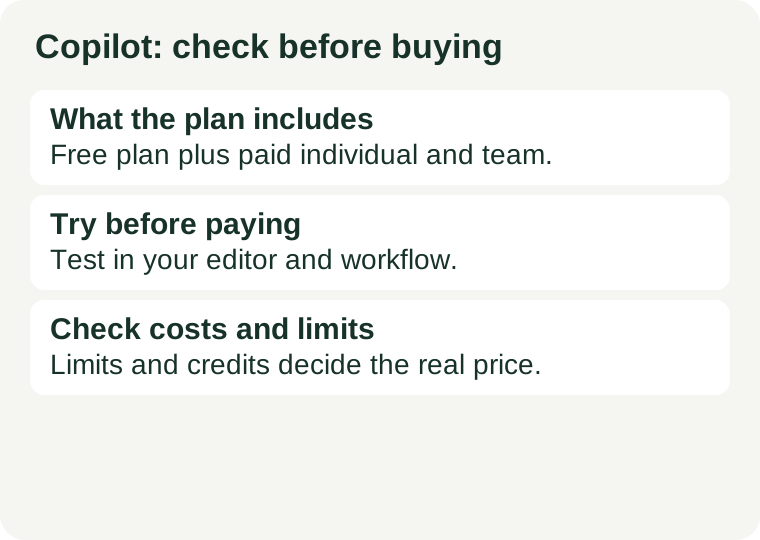
The official plan comparison distinguishes limited free chat and agent usage from paid plans. Included AI credits, additional credit purchases and access to cloud-agent features vary by plan. As stated on GitHub's official plans page on 2026-10-26, the Free plan gives 2,000 completions per month and access to entry-level models, with limited chat and agent usage. Paid plans are metered with GitHub AI Credits. Read that split carefully: the 2,000 is the completions allowance, and it is separate from the chat and agent limit. That split is the whole story of the free tier — completions are line-by-line suggestions as you type, while chat and agent use are the features that answer questions and take on whole tasks.
What runs out first
On the free plan, chat and agent use run out first — not completions. A beginner writing code most days will chew through chat questions far faster than through completions, because a chat question feels free and a completion feels small. If you treat Copilot chat like a tutor you can ask anything, the chat limit arrives within days. If you treat it as what it is — a limited allowance on top of generous typing help — the free tier can carry you through months of learning. When chat runs out, you still have completions; when completions run out, you still have your editor, your docs and your own growing skill. Neither limit should stop a beginner from learning. When any limited feature is spent, it pauses until the next period while the rest of your setup keeps working — that is the time to review what you built, not to pay in a hurry.
No editor switch
Copilot drops into the editors you already use — VS Code, Visual Studio and JetBrains IDEs, plus Eclipse and Xcode — and into GitHub itself. That is its biggest practical advantage over an editor-based assistant: there is nothing to migrate. You try AI help today, in the setup you already know, instead of moving your extensions, keybindings and settings first and then trying. For most beginners that decides it: start where you already are, and switch only when a specific job — multi-file agent work — keeps hitting a limit. Our free-plans comparison works through that choice in detail, checked 2026-10-26.
Try this before paying
Try Free in the editor you already use. Give it a week of real work — a small project you can finish, not your dream app — and then decide what is missing: code suggestions, pull-request reviews or an agent that takes on a task. Pay for the missing feature, rather than the longest feature list. The limit you hit first tells you what you actually value: if you ran out of chat, you value asking questions; if you ran out of completions, you value typing help; if you never ran out of anything, you do not need a paid plan yet. Our coding assistant checklist walks through the same trial: commit the starting code, write down the expected behaviour, run the tests after the assistant finishes, and read the diff — how much did you correct, and can you explain the code you kept?
Check the costs and limits
Usage allowances and supported features can change. Review the current plan comparison before paying; a coding subscription is separate from your website hosting bill. Before activating paid usage, check whether exceeding the included usage stops work or creates another charge, and review the renewal and cancellation terms. Avoid buying overlapping plans until you can name the different job each one does. Both providers changed how they meter AI use during 2026 — Copilot moved to AI Credits for paid features — so do not build a course, a term's work or a project around any free tier without re-checking the official page on the day you sign up. And save your work before any limit stops you: our guide to saving free-AI progress covers the habit that makes a limit an inconvenience instead of a lost afternoon.
Official sources
Source review date: 2026-10-02. Based on product documentation, not a performance test. Source links are not affiliate links. The Free plan's 2,000 monthly completions and limited chat and agent usage were checked on GitHub's official plans page on 2026-10-26 and re-confirmed 2026-11-02; see our free-plans comparison for the full check.
← All AI tools · Compare the free plans · Try it first: the checklist · The alternative: Cursor · Save your progress before a free limit