 KIKOMONO
Watch the video version · 1:12
Hostinger AI Builder what to check before buying
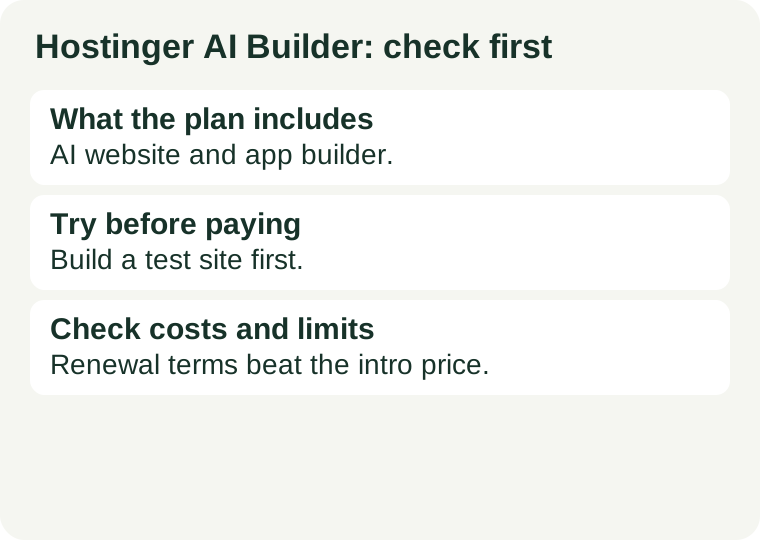
What the plan includes
Hostinger describes Manual and Agentic building modes. Its hosting documentation says the builder is included with eligible hosting plans and is not compatible with VPS hosting. That last point is the one that catches people: the builder is a hosting-plan feature, not a standalone product and not a VPS add-on. Before paying, read Hostinger's own pages for what each mode does, and decide which one matches how much of the building you want to hand to the tool — then check that the plan you are about to buy is one of the eligible ones.
The VPS trap
Do not assume an existing VPS purchase includes the builder. It does not. Someone who already runs a VPS and buys the builder expecting it to appear on that server will find it is not there — the builder needs an eligible hosting plan, and VPS hosting is explicitly not compatible. If you already have a VPS you are happy with, the builder is the wrong purchase: you would be buying a second hosting plan for the builder, on top of the server you already pay for. If you would rather run your own server than use a builder, see how to choose your first VPS instead. And if you want the builder, price the eligible hosting plan as the purchase — not the builder alone, because there is no builder-only purchase to price.
Builder or your own server?
The choice is between two kinds of work. With the builder, you build with prompts and do not maintain a server stack — Hostinger runs the hosting, and you describe what you want. With a VPS, you run your own server: you choose the software, you keep it updated, and you fix it when it breaks. The builder suits a site whose owner wants pages and an app without server work; the VPS suits someone who wants control and is willing to do the maintenance. There is no wrong answer, but there is a wrong purchase: paying for a builder while keeping a VPS you still have to maintain, or renting a VPS for a site that only needed a few pages. Decide which kind of work is yours before you pay, and buy only that one. If the answer is your own server, see how to choose your first VPS; if it is the builder, the eligible hosting plan is the purchase, and the checks above are the ones to run.
Try this before paying
List what the site needs to do. A few information pages need less setup than an app that stores user data, takes bookings or handles payments — and the plan that fits a brochure site is not necessarily the plan that fits an app. Write the list down before you look at plans, then match the plan to the job, not the other way round. Before paying, check three things on the official pages: which plan includes the builder, whether you can take your site elsewhere if you leave, and any limits on generated changes — how much the builder will change, and what happens when you reach the limit. Our AI app budget guide covers the same three checks as part of separating the cost of building from the cost of running.
Check the costs and limits
Confirm the total checkout term, renewal charge, domain conditions and any usage limits. The renewal charge is where hosting bills surprise people: an introductory rate for the first term is not the price you will pay in the second year, so read the renewal figure on the checkout screen, not just the headline. The same pattern applies across hosting — our guide to second-year renewal costs explains what to check. Also confirm the domain conditions (whether a domain is included, for how long, and what renews at) and any usage limits on the builder itself. These are different purchases — a builder bundled with hosting, a server of your own, a domain — and a cheap first term is not automatically the cheapest working solution. For the full purchase map, see AI subscriptions, APIs and hosting are separate purchases.
Official sources
Source review date: 2026-10-02. Based on product documentation, not a performance test. Source links are not affiliate links.
← All AI tools · Plan your project budget · Or run your own server: choose a VPS · Check the renewal price